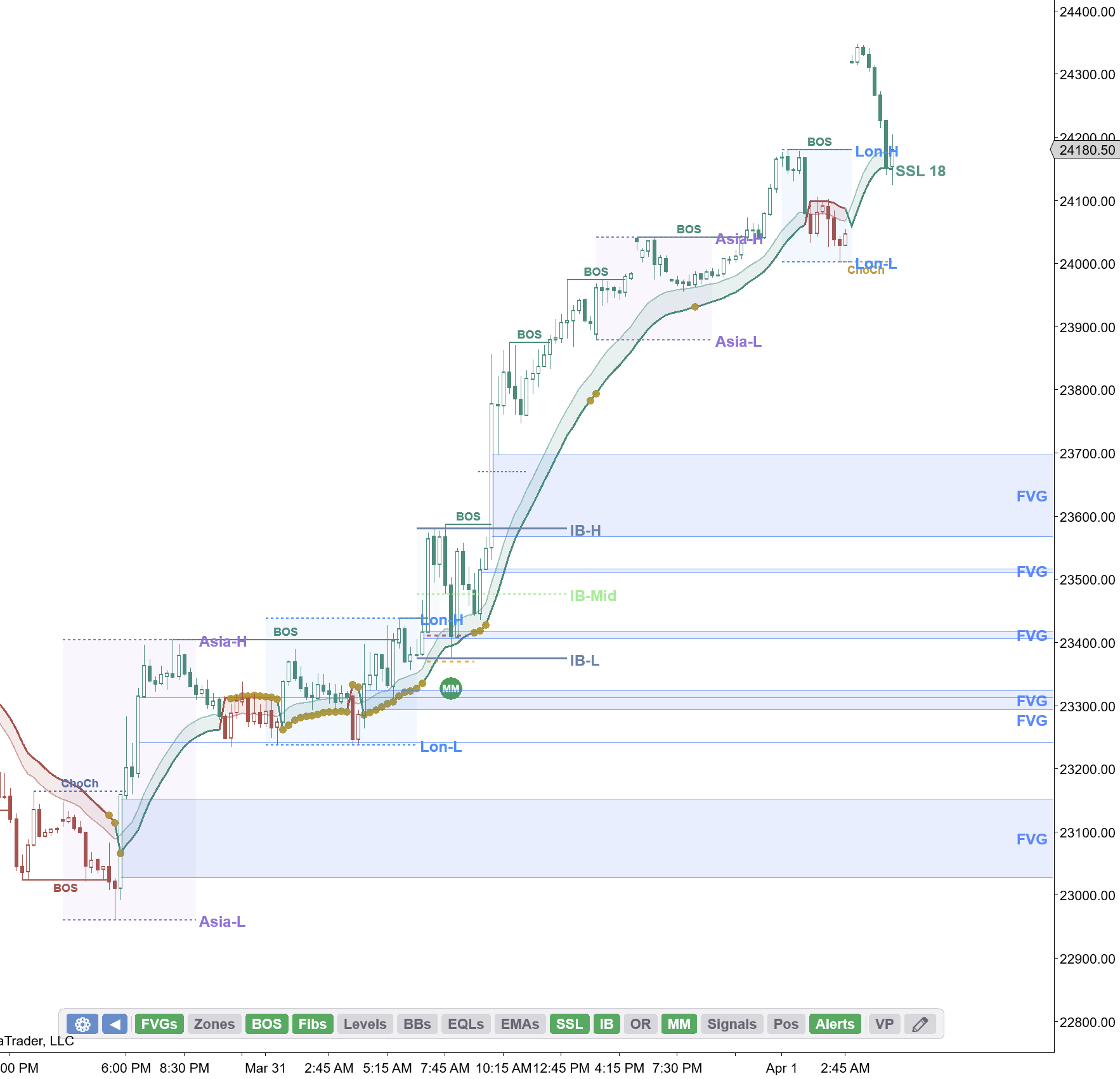
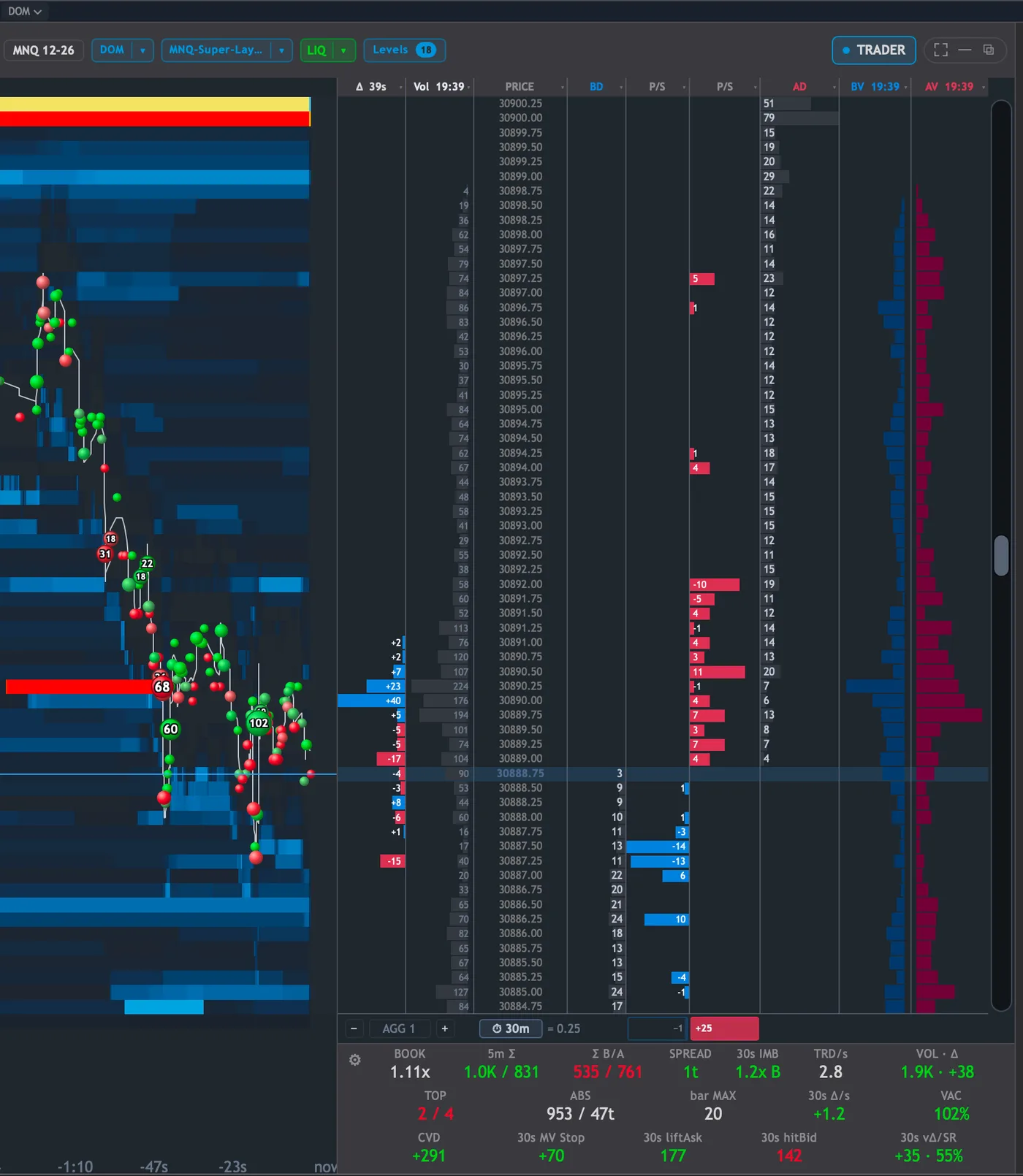
We've fully ported FIOrderFlow and FIMarketStructure into Quantum. The footprintDefinitionA chart showing bid and ask volume at every price inside each candle. Reveals who is buying and selling., the DOM, the liquidityDefinitionResting orders (stop losses, limit orders) at known levels. Institutions need liquidity to fill large positions. heatmap, market structure and every key level now live in one app, alongside 100+ indicators.
And Quantum now has an AI assistant that can read all of it — your key levels and your order flow — and work the app for you in plain English.
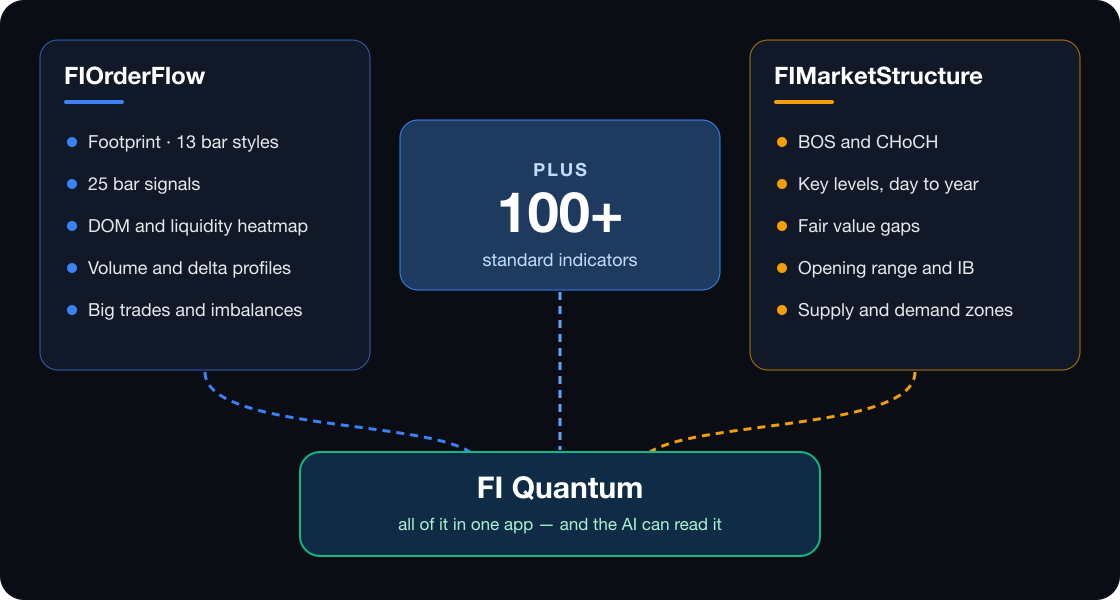
1. Both indicators, fully in Quantum
Everything you use in NinjaTrader, drawn in Quantum, live or in replay.
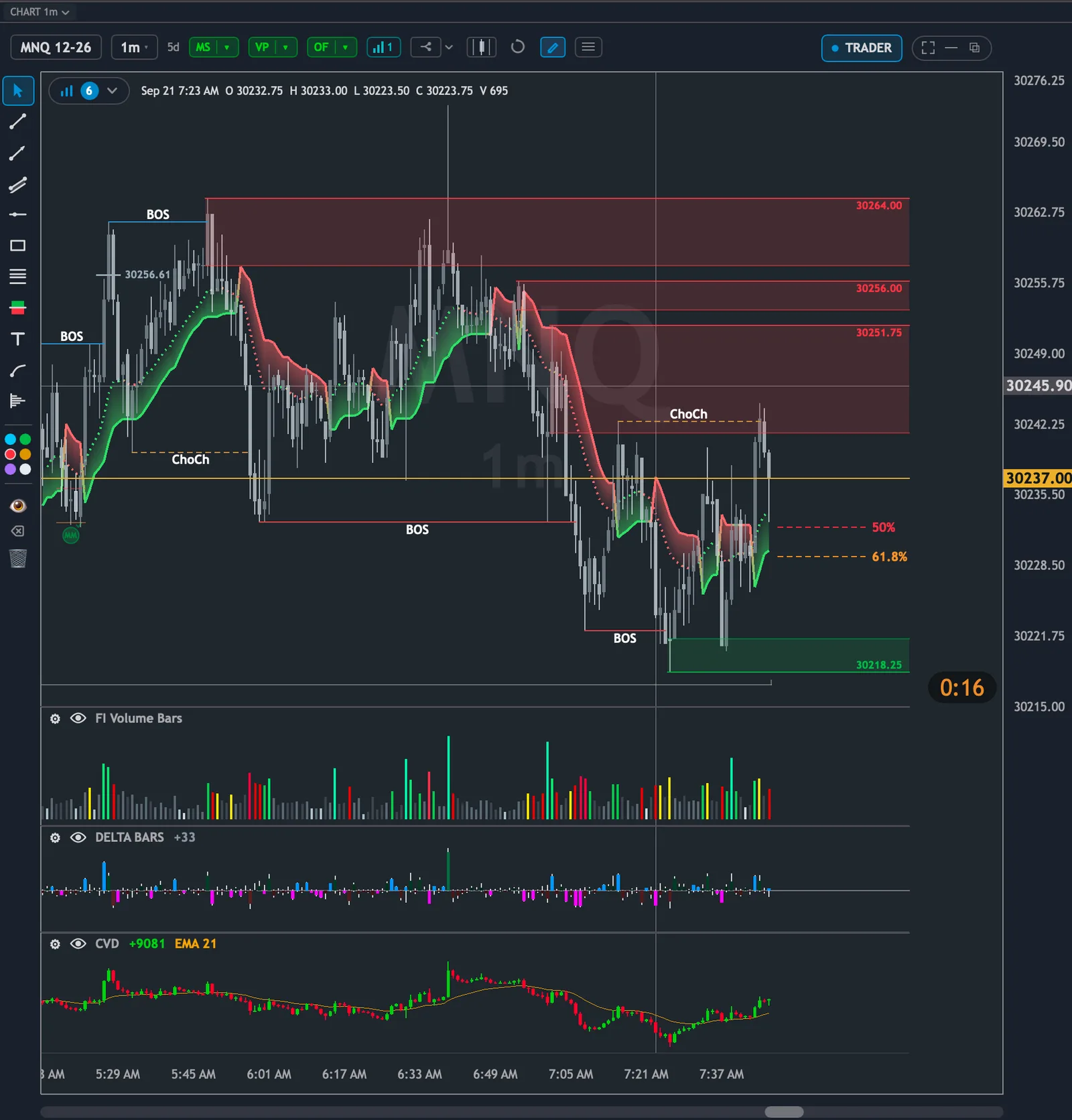
2. An AI that sees what you see
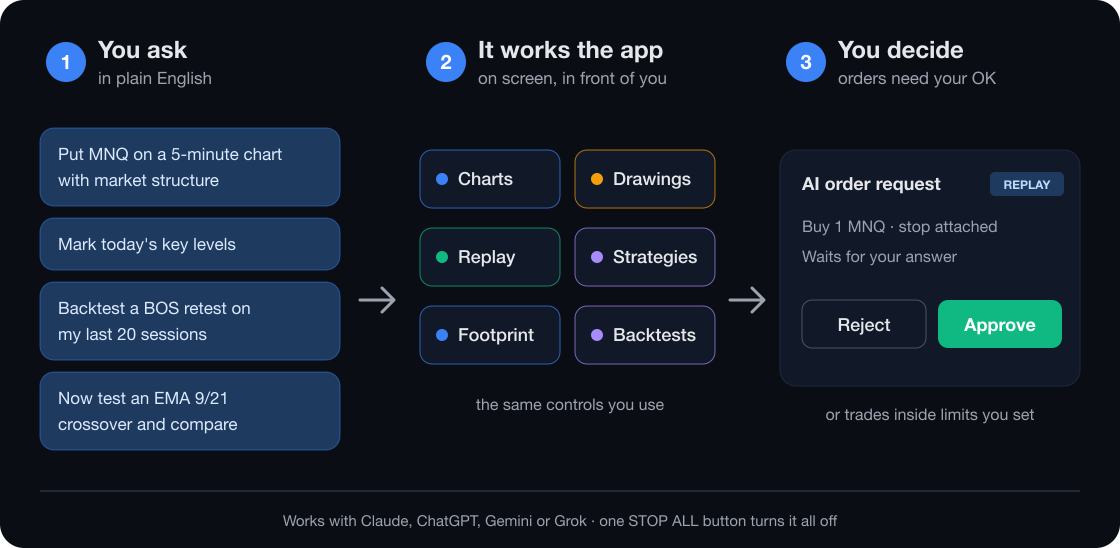
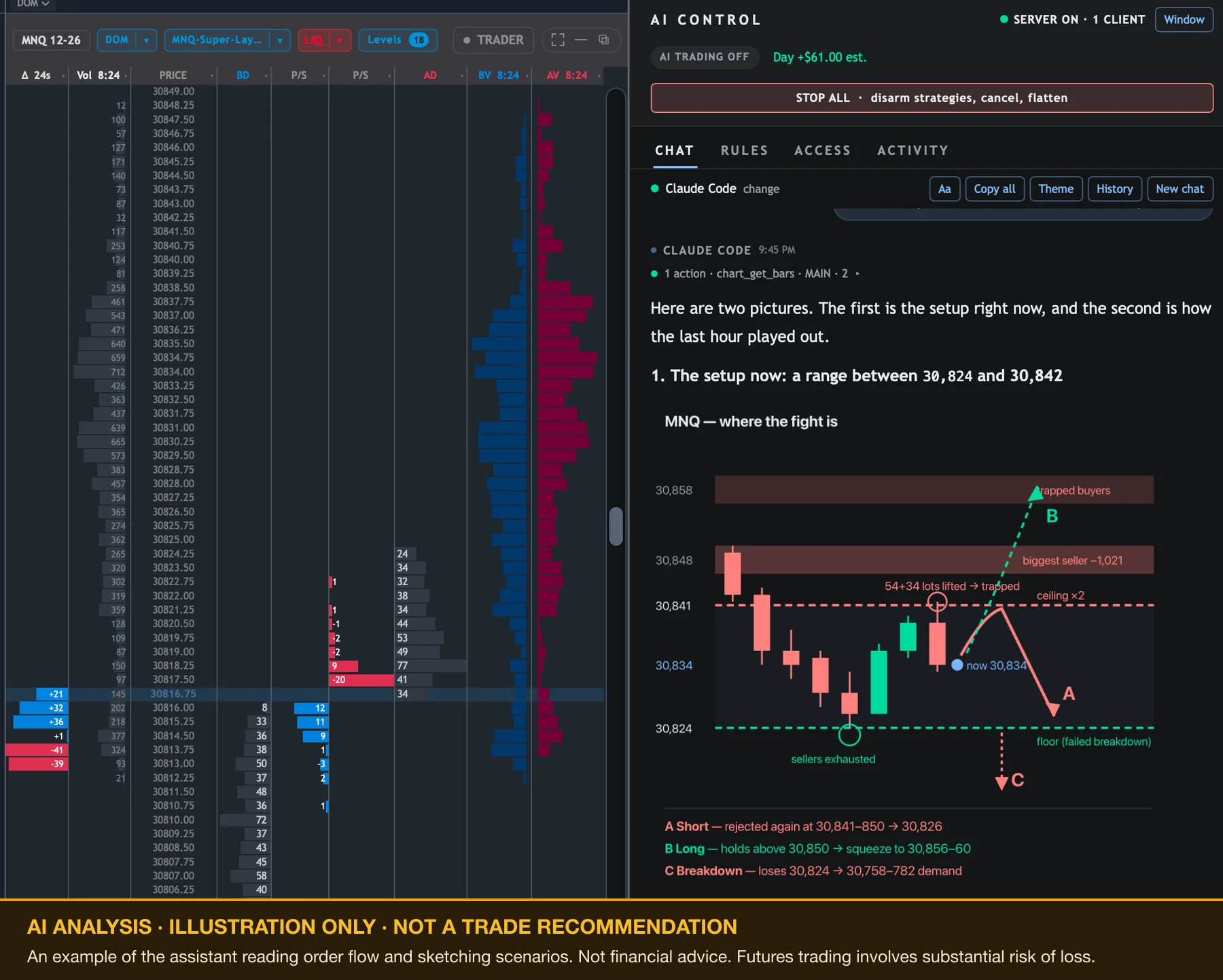
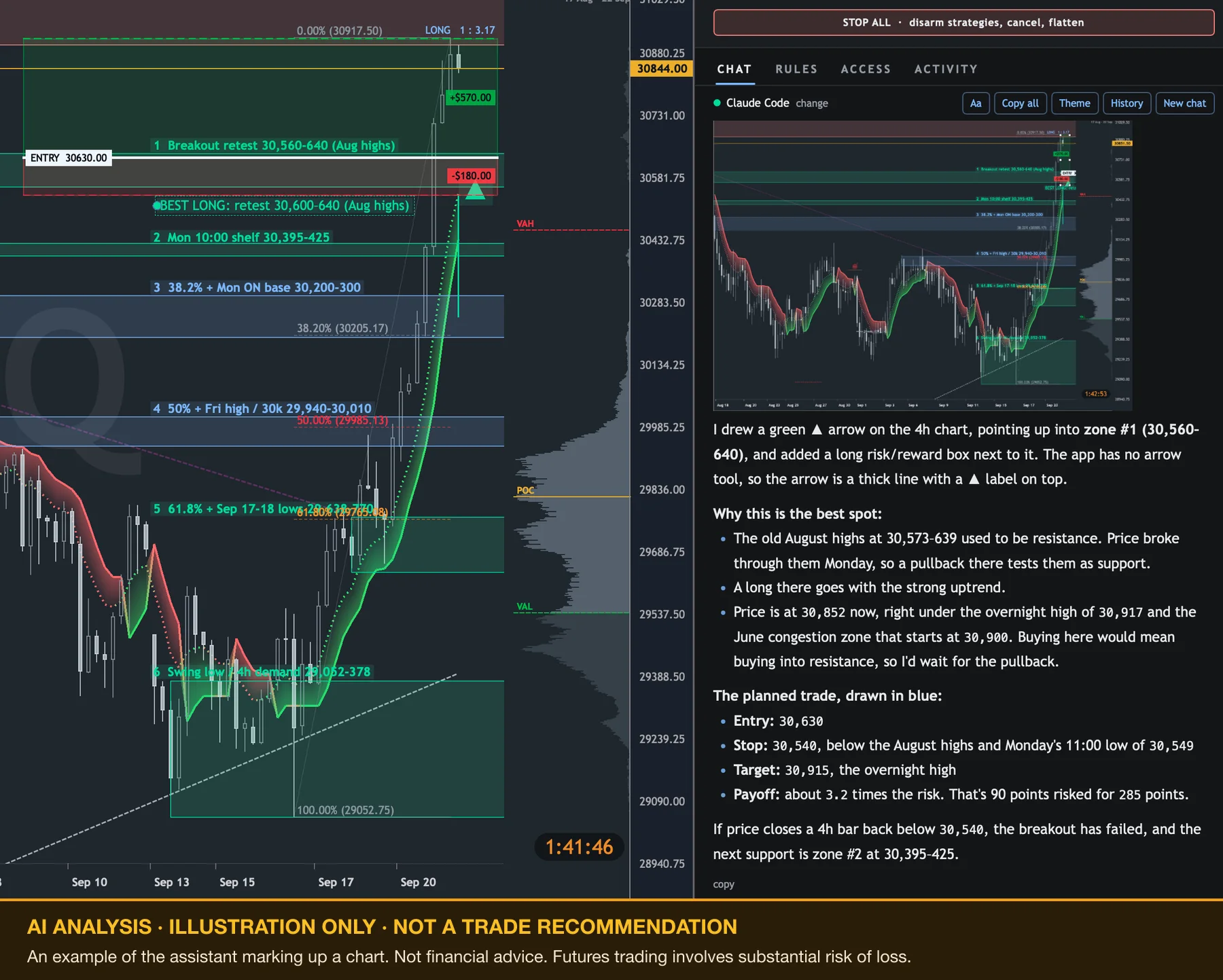
It reads the same key levels, footprintDefinitionA chart showing bid and ask volume at every price inside each candle. Reveals who is buying and selling., deltaDefinitionAsk volume minus bid volume. Positive = more buying. Negative = more selling. Shows who is more aggressive. and depth you're looking at — and your stored market data too. Ask it to set up a chart, mark the levels, load a session, or backtest a BOS retest, an EMA crossover or a fair value gap setup on your sessions.
Please note: bring your own AI
AI Control requires your own AI subscription or a local LLM. Sign in with Claude to use your existing plan, add a key for ChatGPT, Gemini or Grok, or point it at a model running on your own computer. Any usage is billed by your AI provider — there's no extra charge from us, and everything else in Quantum works without it.
3. Want to test market profile strategies?
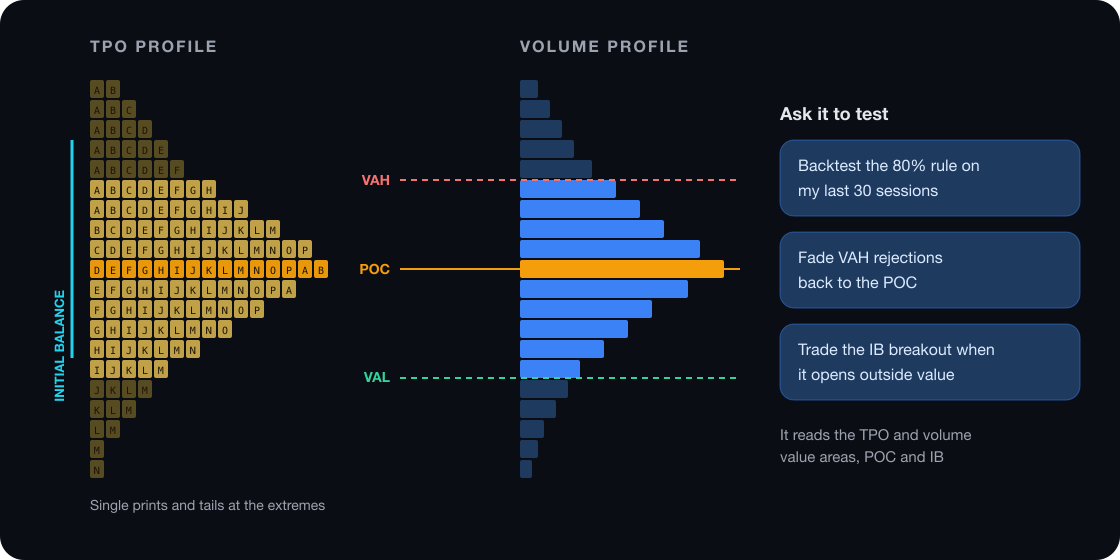
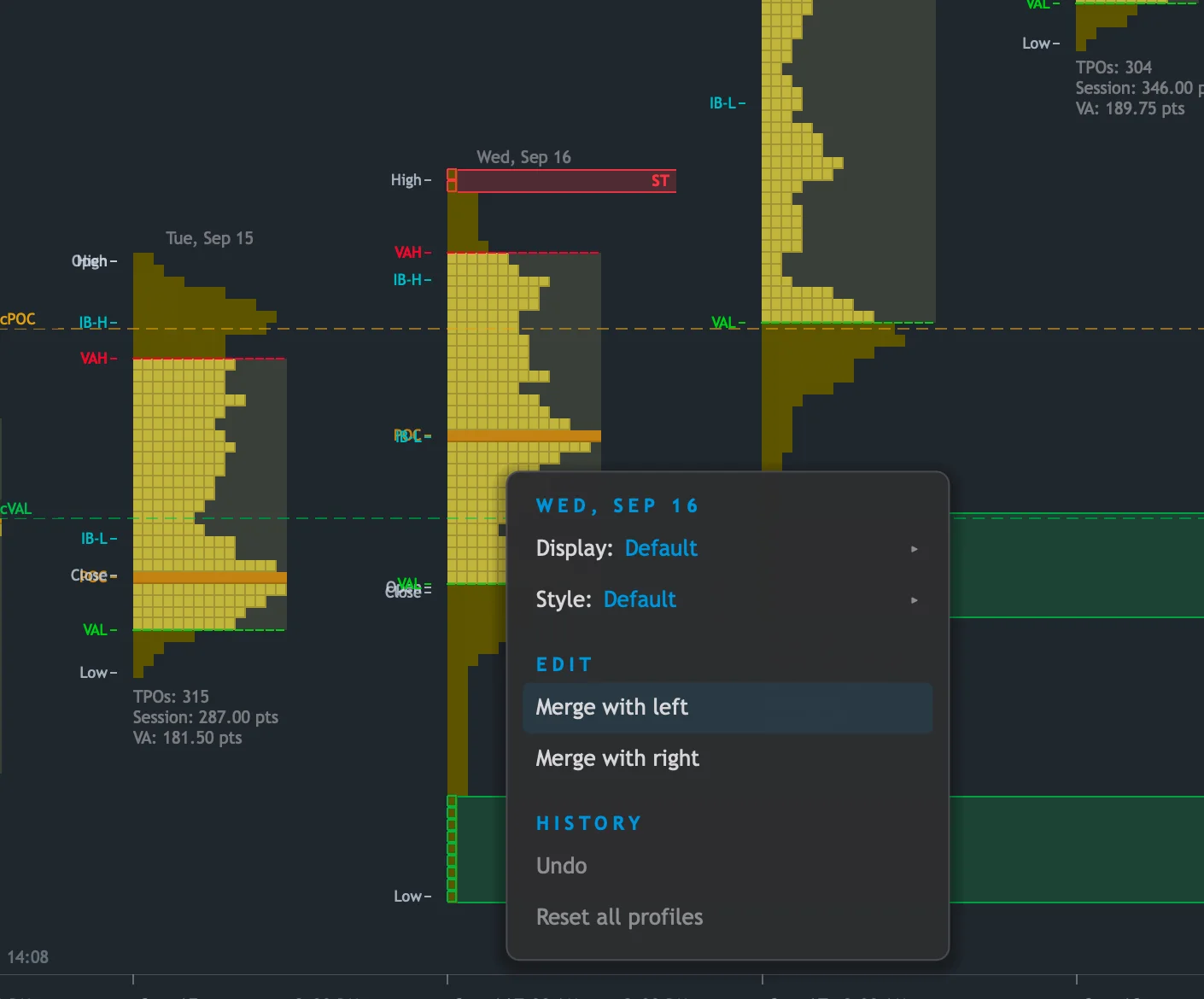
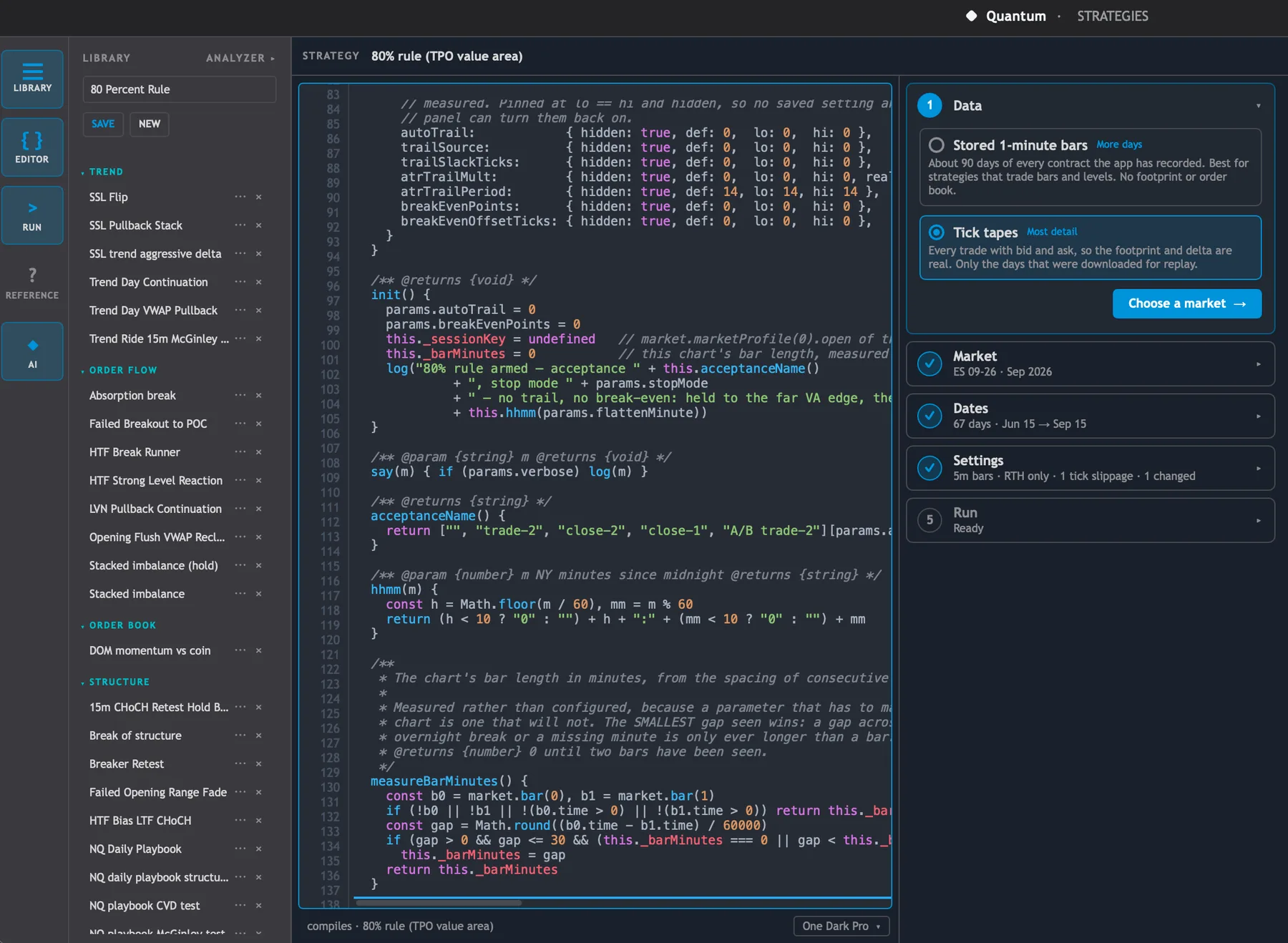
Quantum has access to the TPO and volume value areas, the POC, the initial balance, single printsDefinitionPrice levels with only one TPO letter — price moved through quickly. Often act as support or resistance. and more — on every session you've recorded. Ask it to backtest the 80% rule, fade value area rejections, or trade the IBDefinitionInitial Balance — the price range of the first hour of regular trading. Sets the day's reference range. breakout.
4. You stay in control
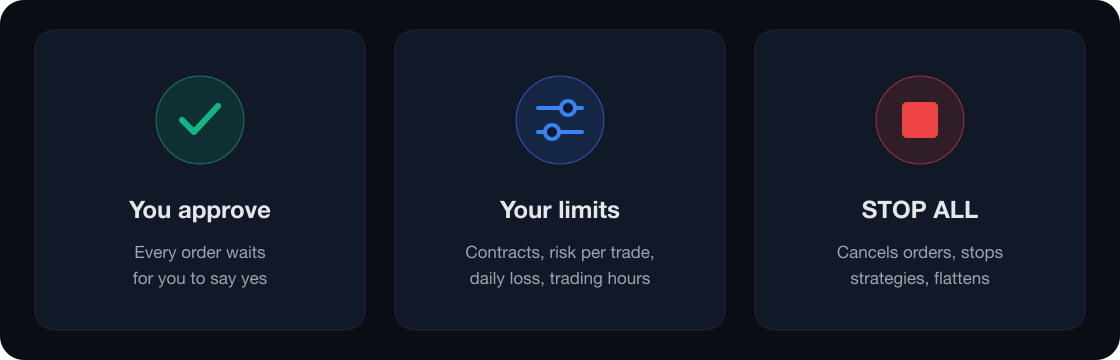
The AI can prepare an order, but it waits for you — unless you've set limits for it to trade inside.
5. Now on Mac
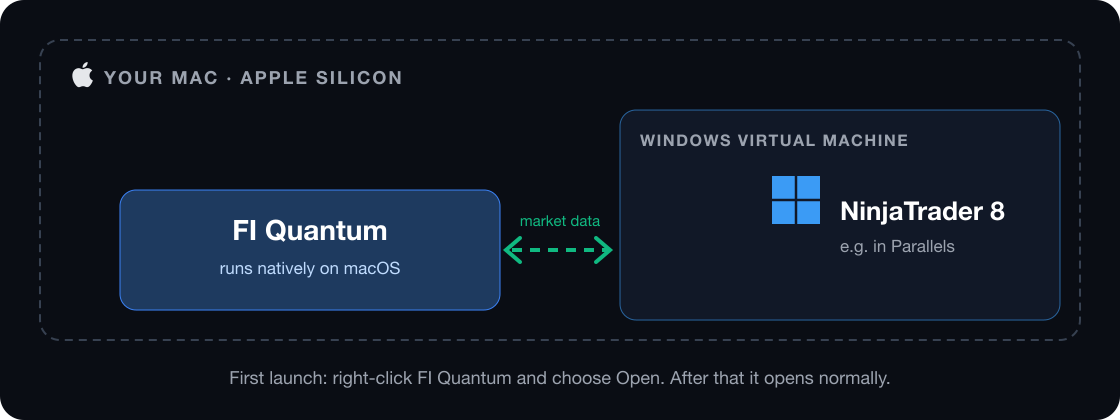
Quantum runs natively on Apple Silicon Macs (M1 and newer). NinjaTrader still needs Windows, so run it in a Windows virtual machine such as Parallels, and Quantum connects to it there.
6. Also new in Quantum
- Strategies and backtesting, with an Analyzer to review every run
- Place orders from the ladder
- Draw your own volume profiles, and weekly and monthly ones load in seconds
- Contract rolls — it offers to move your whole desk to the next contract
- Faster startup, and it restarts itself if it ever crashes
In NinjaTrader
FIOrderFlow (v1.0.63)
- Liquidity Visualizer columns work like the DOM's, with new Buy and Sell Volume columns
- Pull/Stack column and an Aggregate Stack total on the DOM
- Group prices on the ladder, and one control to set the counting period
- Popup DOM has its own settings, labeled price lines and a custom theme
- Plus a long list of fixes, including profiles for traders east of London
FIMarketStructure (v1.0.50)
- New key levels — last month, quarter and year: high, low, open and close
- Previous-contract levels, labeled with the contract they came from
- All key levels in one Levels menu, with cleaner labels that don't overlap
Build your own strategies?
Both indicators now expose their signals and levels to NinjaScript, and there are two sample strategies to start from. See Developers in your dashboard.
Own both indicators?
Quantum is included free — and you can trade live from Quantum through NinjaTrader, not just replay. Sign in and download; your licenses unlock it.
Don't own both? Quantum is $49/month for replay, with a 5-day free trial. See Quantum Replay.
Futures trading involves substantial risk of loss and is not suitable for every investor. The AI examples above are illustrations of what the assistant can do, not trade recommendations or financial advice.